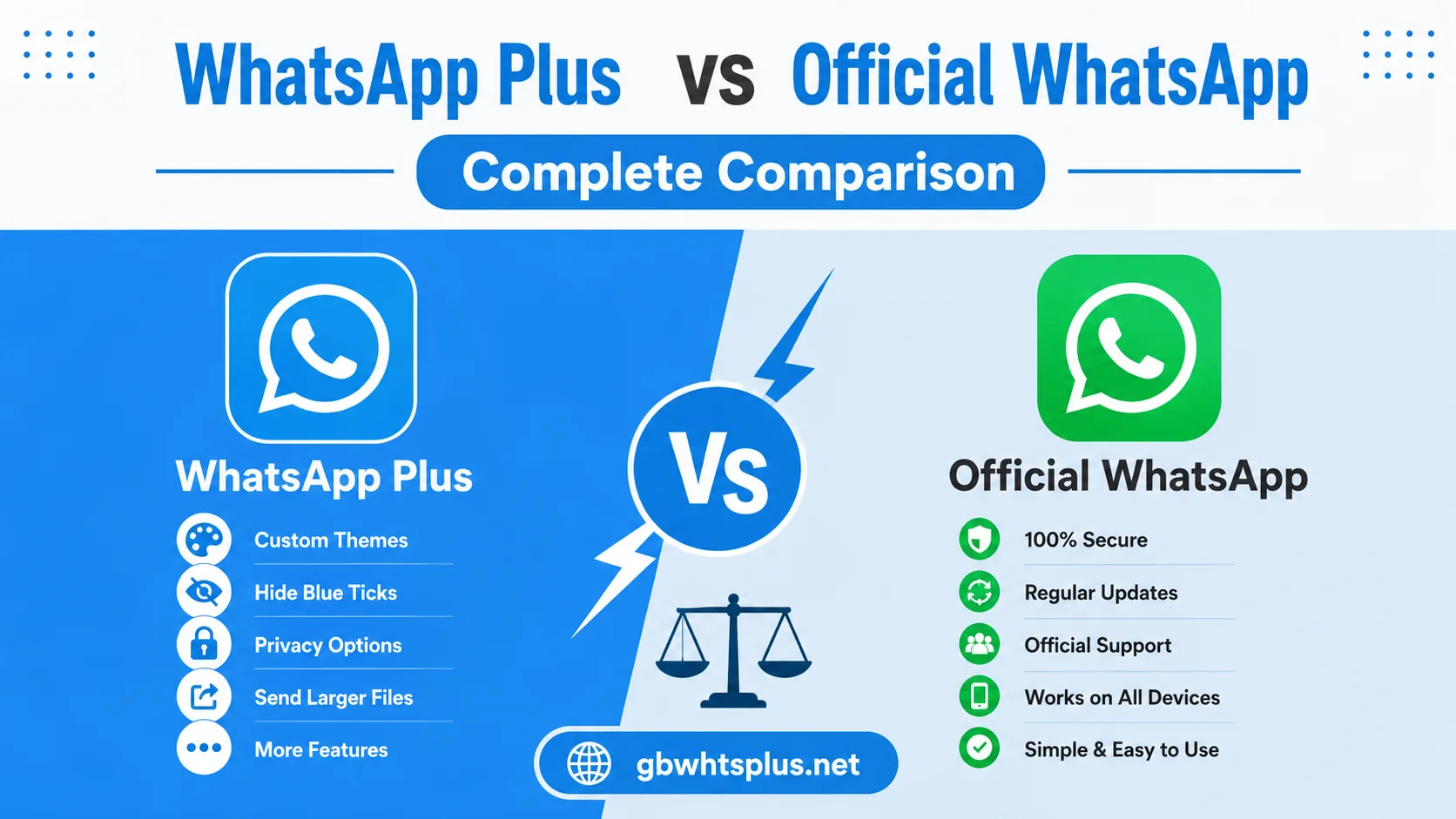
Choosing between WhatsApp Plus vs official WhatsApp application is a decision many users face once they discover the extra features available in the modded version. Both apps share the same core messaging engine, but they differ significantly in customization, privacy controls, file-sharing limits, and overall flexibility. This complete comparison from gbwhtsplus.net breaks down the strengths and weaknesses of each option so you can make an informed decision based on your personal communication needs.
Below you will find a detailed side-by-side analysis covering the most important features, followed by a clear recommendation for different types of users.
Overview of Both Applications
WhatsApp is the official messaging client developed and maintained by Meta. It is available on the Google Play Store and Apple App Store, offers end-to-end encryption on every conversation, and receives regular security updates. WhatsApp Plus, on the other hand, is a third-party modification of the original code that adds new visual, privacy, and utility features. It is distributed as an APK file and is maintained by independent developers.
Both apps use the same WhatsApp servers, which means messages can be exchanged freely between users on either client. The difference lies in the experience each one delivers.
Feature Comparison Table
| Feature | Official WhatsApp | WhatsApp Plus |
|---|---|---|
| End-to-end encryption | Yes | Yes (on supported builds) |
| Custom themes | Limited | Thousands available |
| Privacy controls | Basic | Advanced options |
| File sharing limit | 100 MB | Up to 700 MB |
| Status download | No | Yes |
| Hide online status | No | Yes |
| Dual account support | No | Yes |
| Custom fonts | No | Yes |
| App lock | Basic | Advanced |
| Auto-reply | No | Built-in |
| Source of updates | App Store | APK from gbwhtsplus.net |
| Ban risk | None | Possible temporary ban |
Privacy and Security
Privacy is one of the most discussed differences between the two apps. The official WhatsApp provides baseline privacy features like last seen, profile photo visibility, and read receipts, but most of these settings are all-or-nothing. WhatsApp Plus offers granular control, allowing users to hide their online status, blue ticks, typing indicator, and recording status from specific contacts while keeping them visible to others.
When it comes to encryption, the underlying protocol is identical because WhatsApp Plus relies on the same servers. The risk lies in the fact that WhatsApp Plus is not officially audited, so users must trust the developer community to maintain the integrity of the encryption layer.
Customization Options
This is where WhatsApp Plus clearly leads. The modded client includes a theme store with thousands of community-created designs, custom font families, color editors for every chat element, and even the ability to change the launcher icon. Users who enjoy personalizing their devices will find WhatsApp Plus far more engaging.
The official app has slowly introduced some customization features like chat bubble colors and wallpapers, but it remains limited compared to what WhatsApp Plus provides.
Media and File Sharing
Official WhatsApp restricts video sharing to 100 megabytes and image sharing to standard resolution by default. WhatsApp Plus raises these limits significantly, allowing users to send videos up to 700 megabytes and full-resolution images without compression. For users who frequently share high-quality media, this single feature alone can justify switching to the modded version.
The official app does now support HD photos and longer video status uploads, but the file size cap remains lower than what WhatsApp Plus offers.
Stability and Updates
The official WhatsApp receives consistent updates through the App Store, with security patches and feature releases rolling out globally. WhatsApp Plus depends on independent developers, so update frequency can vary. However, the active community ensures that major server changes are matched quickly with compatible builds.
Reliability comparison:
- Official WhatsApp receives monthly updates from Meta
- WhatsApp Plus releases major builds within days of server changes
- Both apps maintain high uptime when used correctly
- Backup and restore are supported on both clients
Account Safety and Ban Risk
Using unofficial clients always carries some risk of account suspension. Meta actively detects modified apps and may issue temporary bans that last from a few hours to several days. Most users never experience a ban, especially when they keep the app updated and avoid spamming messages.
The official WhatsApp carries no such risk because users are using the sanctioned application. For users with mission-critical numbers, this is a significant consideration.
Who Should Choose Which App
Different users have different priorities, and the right choice depends on what matters most to your daily communication style.
Choose official WhatsApp if you:
- Run a business account that must remain uninterrupted
- Prefer the highest possible security guarantees
- Want zero risk of account suspension
- Do not need advanced customization features
Choose WhatsApp Plus if you:
- Love customizing the look and feel of your apps
- Need to share large media files regularly
- Want advanced privacy controls for personal use
- Use a secondary number for casual messaging
- Are comfortable with occasional minor risks
Performance and Battery Usage
Both apps perform similarly on modern devices. WhatsApp Plus includes extra background services to support theme loading, auto-reply, and status downloading, which can consume slightly more battery. The difference is small, but users on older devices may notice it.
Performance comparison:
- Official WhatsApp uses less RAM on average
- WhatsApp Plus may use more battery due to extra features
- Both apps run smoothly on devices released in the last four years
- Clearing the cache periodically keeps both apps fast
Frequently Asked Questions
No. From the recipient’s perspective, the messages appear the same as any other WhatsApp message. The extra features only affect how you interact with the app, not how messages are delivered.
Both apps use the same encryption protocol. WhatsApp Plus offers more privacy controls, but the official version is more rigorously audited. Neither app is unsafe when downloaded from a reliable source like gbwhtsplus.net.
No, as long as you have a recent backup. You can restore your chat history when verifying your number on the official client, and all conversations will reappear.
Yes, with dual app support. Many Android phones allow you to run two instances of the same messaging service, which is perfect for separating personal and business communication.
Most temporary bans last between twenty-four and seventy-two hours. Repeated violations can lead to longer suspensions, so it is wise to keep the app updated and avoid suspicious behavior.
Making the Final Decision
Once you have reviewed the comparison above, the best approach is to think about your daily communication habits. Do you spend more time sending large media files and customizing the look of your chats, or do you need a reliable, no-fuss client that simply works for business and family communication? Answering that question honestly makes the decision straightforward. Many users even run both apps side by side, using the official version for critical communication and WhatsApp Plus for personal chats where customization and extra features matter more.
A practical decision checklist:
- Identify which features you would use every single day
- Consider how much risk you are comfortable with
- Test WhatsApp Plus on a secondary number first
- Keep both apps installed with separate backups
- Switch permanently only after a comfortable trial period
Conclusion
Both WhatsApp and WhatsApp Plus serve different audiences. The official app is the right choice for users who prioritize stability, security, and zero risk of account interruption. WhatsApp Plus is ideal for users who want full control over how their messaging app looks and behaves, and who value the additional features that the official version simply does not offer. Whichever path you choose, downloading the latest stable build from gbwhtsplus.net and following safe usage practices will keep your communication experience smooth and enjoyable. Take a moment to consider which features matter most to you, and the right choice will become clear.