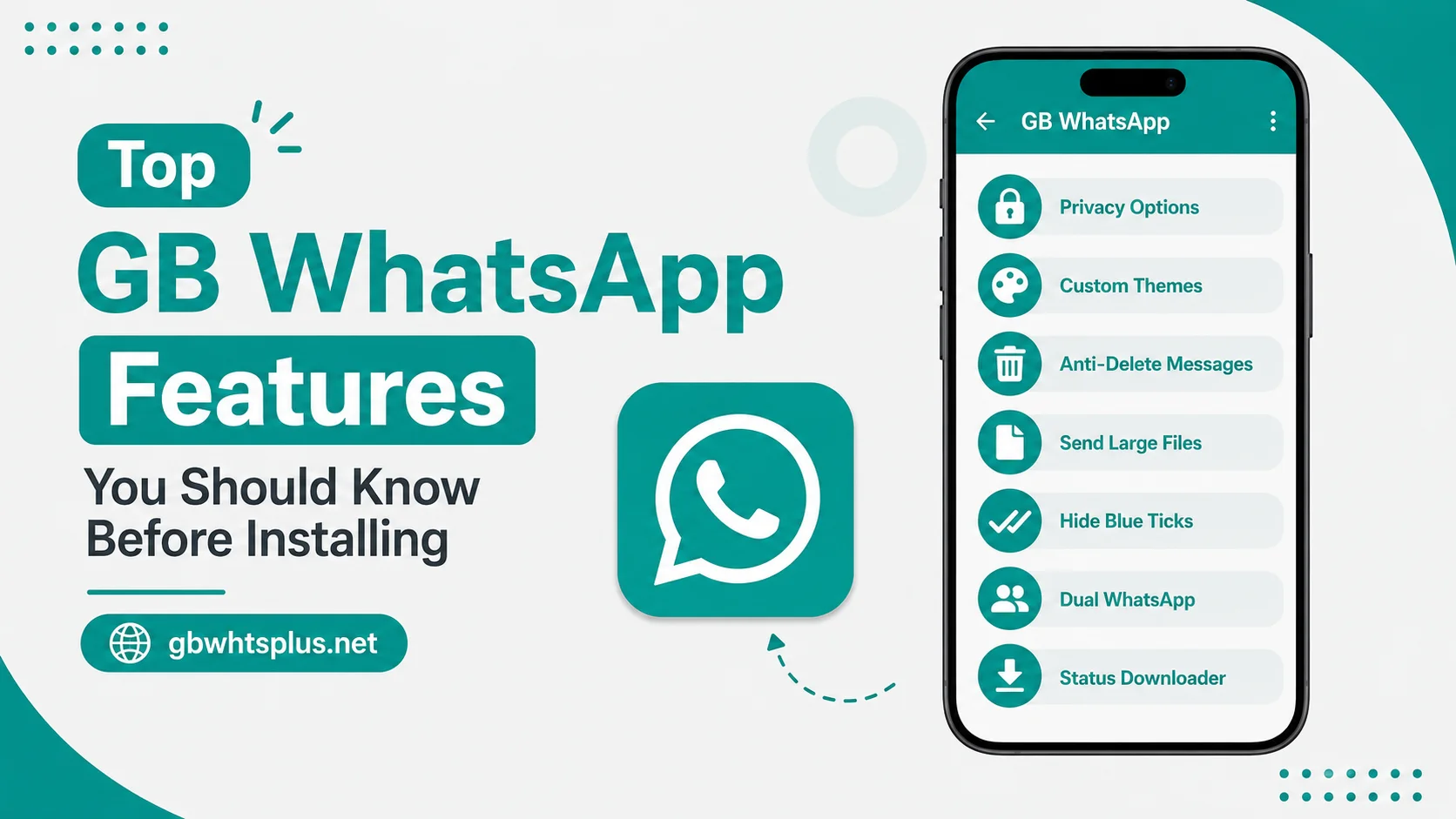
GB WhatsApp 2026 is packed with features that turn a basic messenger into a fully customizable communication tool. Long-time users often discover new options months after installing. If you are about to download the APK from gbwhtsplus.net, this guide will walk you through the most useful features first. Knowing what is on offer also helps you decide whether the mod is worth the switch from the official app.
Privacy Features
Privacy is the number one reason most people install GB WhatsApp. The mod adds controls the official app does not provide.
- Hide online status so nobody can see when you are active.
- Hide blue ticks and second ticks to read messages without alerting the sender.
- Hide typing and recording indicators while you are typing a reply.
- Hide view status to watch stories invisibly.
- Freeze last seen to keep your activity timestamp pinned to a chosen time.
- Enable anti-revoke to read messages after the sender deletes them.
Every one of these toggles lives under GB Settings, then Privacy. You can switch each one on or off per chat, which is something the official app does not allow.
Customization Features
GB WhatsApp ships with a Universal settings tab that lets you redesign almost every visual element of the app.
Themes
The mod comes with thousands of free themes, and you can import more from community packs. Switching themes is instant and does not require a restart. Each theme changes the bubble style, header background, and accent color in one tap. If you enjoy refreshing the look of your phone every few weeks, you will never run out of options.
Fonts and Icons
You can change the system font, the conversation row height, the header style, and even the floating action button color. The official WhatsApp only lets you switch between a handful of accent colors. GB WhatsApp also supports custom icon packs for the navigation bar, so the camera, calls, and status icons can match your theme.
Home Screen Layout
You can choose how many tabs to show, what each tab contains, and where the FAB sits. Many users replace the camera shortcut with a quick-access chat or status composer. You can also rename tabs, hide the ones you do not use, and reorder them by drag and drop.
Media Sharing Features
GB WhatsApp lifts the file size limits the official app imposes. That alone is a major upgrade for anyone who shares videos, audio, or large documents.
- Send up to 50 MB photos in original quality.
- Send up to 700 MB videos without compression.
- Send up to 1 GB document files including PDF, ZIP, and APK.
- Send up to 100 images in a single batch.
- Send audio files without lossy compression.
- Increase the status video length to seven minutes instead of thirty seconds.
The status video bump is especially popular. Creators can post short reels without leaving GB WhatsApp or uploading to a separate platform.
Chat Management Features
GB WhatsApp adds a handful of quality-of-life tools that make everyday chat easier.
- Schedule messages to send at a specific time, useful for birthdays and reminders.
- Auto-reply to incoming messages when you are busy or driving.
- Pin more than three chats, with the limit raised to fifty.
- Use the in-app translator to convert foreign language messages on the fly.
- Group broadcast lists that go to 600 contacts instead of 256.
- Filter unread messages and group conversations by custom labels.
- Mark all chats as read with a single tap from the home screen.
- Forward messages to up to 250 chats at once, instead of the official cap of five.
Security Features
Beyond the privacy toggles, GB WhatsApp layers in real security upgrades.
App Lock
You can lock the entire app behind a PIN, pattern, or fingerprint. You can also lock individual chats, so opening WhatsApp does not give access to sensitive conversations. The lock screen has its own theme, so it blends in with the rest of the app.
Two-Step Verification
Like the official app, GB WhatsApp supports a six-digit PIN that is required when you re-register your number. Combined with the app lock, this gives you a solid second line of defense if your SIM is ever swapped.
Hidden and Advanced Features
Some of the most useful options are tucked away in the Advanced or Misc menus.
- DND mode to silence GB WhatsApp only, while the rest of the phone stays loud.
- Disable forwarded tag so messages you forward do not carry the label.
- Always online keeps your status active even after you close the app.
- Hide media from the gallery so WhatsApp photos do not clutter your camera roll.
- Disable calls from specific contacts without blocking them.
- Enable a contact online toast that pops up when a friend comes online.
- Send full-resolution images through the document share trick to avoid compression.
- Customize the swipe gesture to open a new chat, the camera, or a saved draft.
These small options are easy to miss, but they tend to be the ones users love the most once they find them. Take an hour after install to scroll through the Advanced menu and toggle whatever fits your style.
Feature Compatibility Table
| Feature | Official WhatsApp | GB WhatsApp |
|---|---|---|
| Hide blue ticks | No | Yes |
| App lock | No | Yes |
| Custom themes | Limited | 4000+ |
| Status length | 30 sec | 7 min |
| Media size limit | 100 MB | 1 GB |
| Scheduled messages | No | Yes |
| Auto-reply | Business only | All users |
| Per-chat lock | No | Yes |
| Anti-revoke | No | Yes |
| Two accounts on one phone | No | Yes |
Getting the Latest Features
Most of the options above are live in the latest 2026 build on gbwhtsplus.net. Each new release adds tweaks, fixes, and sometimes entirely new toggles. Check the changelog on the site after every update to see what is new. The developers usually document every change in plain language, so even non-technical users can follow along.
If you enjoy experimenting, keep a small note of the features you actually use. It is easy to flip every toggle on and end up with a confusing setup. A focused configuration, with only the privacy and media upgrades that matter to you, is what most long-time users end up with after a few weeks.
Frequently Asked Questions
Most do, but very old devices with under 1 GB of RAM may struggle with heavy themes. Stick to the recommended system requirements for the smoothest experience.
Using GB WhatsApp itself is not a guaranteed ban. The features that automate behavior, like bulk messaging, carry more risk. Avoid those and you should be fine.
Yes. Use the GB Settings backup option, then restore on the new device after installing the same version of the APK.
Every feature in GB WhatsApp is free. That is one of the main differences from the official WhatsApp Business tier, which charges for some automation tools.
Open the GB Settings menu and use the search bar at the top. It indexes almost every toggle in the app.
Conclusion
GB WhatsApp is more than a re-skinned version of WhatsApp. It is a full toolbox for users who want privacy, customization, and bigger file limits. Install the latest build from gbwhtsplus.net, spend a few minutes inside GB Settings, and you will find features you did not know you needed. Once you get used to the flexibility, going back to the official app feels limiting.